
User guide for Philips HMP7010 device covering setup, network configuration, and media playback options.
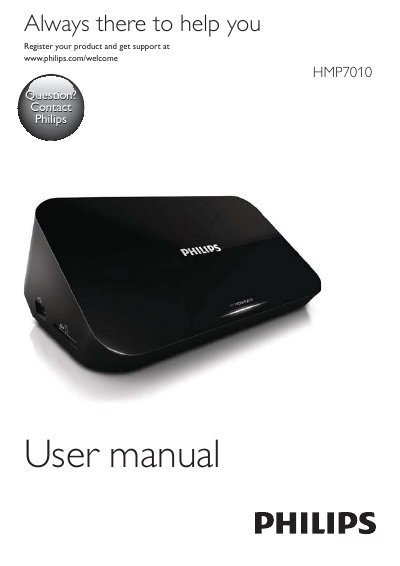
This manual provides instructions for setting up and using the Philips HMP7010 device. It includes steps for connecting to a home network via Wi-Fi or PBC, using HDMI inputs, and playing media from USB, SD cards, or Philips Android devices. The guide also explains how to switch between input sources and control playback using a remote.
Select Network Setup > Wireless (Wi-Fi) on the initial setup screen, scan for networks, select one, and follow onscreen instructions to complete the connection.
Use the source button on the TV remote to select the HDMI input channel of HMP7010.