
Installation and hotel mode setup guide for Philips HF5335D/HF5234 hospitality TVs, covering channel installation, BDS settings, and SmartLoader cloning.
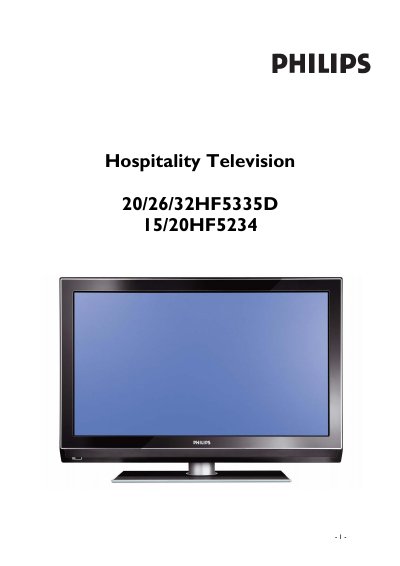
This installation addendum supports Philips HF5335D and HF5234 hospitality televisions. It is designed to help installers set up digital and analogue programmes and activate the hotel mode on Philips hotel TVs, to be used together with the television's User Manual.
The guide explains channel installation for digital and analogue models, BDS Hotel Mode setup options such as switch-on volume and channel, welcome message, and key locks. It also describes low battery checking and cloning settings between TVs using the Philips SmartLoader.
| Welcome Message length | 2 lines, max 20 alphanumeric characters |
|---|---|
| Switch on volume | 0-100 |
| Maximum volume | 0-100 |
| BDS Setup Remote | RC2573/01 |
| TV models | 20/26/32HF5335D, 15/20HF5234 |
Switch on the TV, select an analogue channel, then press [3, 1, 9, 7, 5, 3, MUTE] on the remote control.
Select CLEAR in the Welcome Message setting to clear it from the TV’s memory.
Wireless cloning is supported with the SmartLoader 22AV1120 or 22AV1135.
It shows a message on the TV screen indicating whether the remote control battery is OK or Low.