
User manual for the Philips HD2635/21 toaster, covering parts, toasting, reheating, defrosting, bun warming, crouton baking, cleaning and troubleshooting.
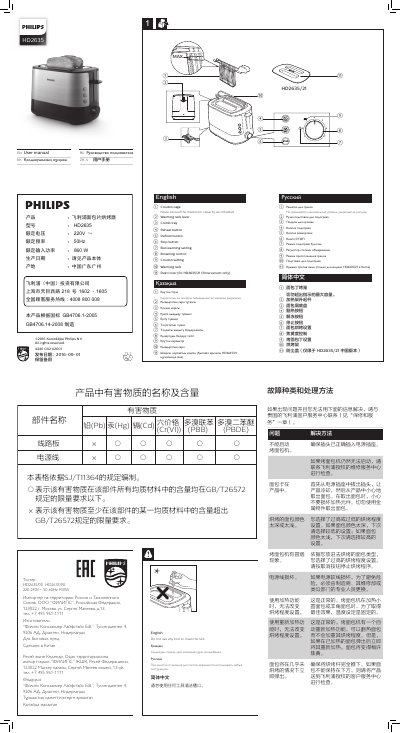
The Philips HD2635/21 user manual identifies the toaster parts and controls, including the crouton cage, warming rack, crumb tray, reheat, defrost and stop buttons, bun warming setting, browning control, crouton setting, and the dust cover supplied only with the China version of HD2635/21.
It gives instructions for first use, toasting, reheating, defrosting, bun warming, crouton baking, cleaning, and troubleshooting. The text is provided in English, Kazakh, Russian and Simplified Chinese.
| Dust cover | Included only with the HD2635/21 China version |
|---|---|
| Rated voltage/frequency/power (HD2635/00 and HD2635/90) | 220-240 V~, 50-60 Hz, 950 W |
| Low browning setting | 1-2 |
| High browning setting | 5-7 |
Put the toaster in a properly ventilated room, select the highest browning setting, and let it complete a few toasting cycles without bread to burn off dust and prevent unpleasant smells.
Select a low setting (1-2) for lightly toasted bread.
Push down the warming rack lever to unfold the warming rack, then turn the browning control to the bun warming setting. Always use the warming rack, not the top of the toaster.
No. The crouton cage is not dishwashable; wipe it with a dry cloth.