
This manual provides installation, operation, image optimization, power management, and troubleshooting instructions for the Philips E Line 346E2 monitor.
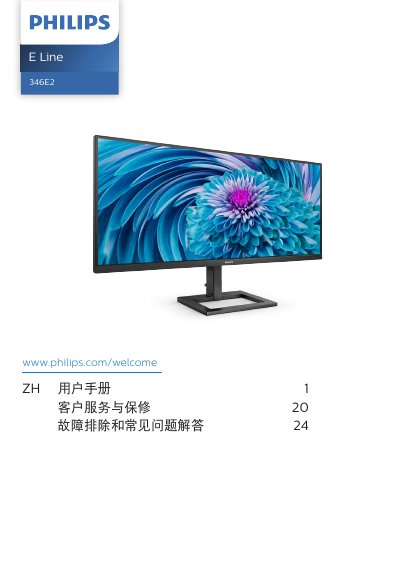
This user manual covers the setup and operation of the Philips E Line 346E2 monitor. It includes instructions for installing the stand, connecting the monitor to a PC, and using the control buttons to access the On-Screen Display (OSD) menu for adjusting settings like volume, input source, and image modes such as FPS, Racing, and LowBlue Mode.
The document also details image optimization features including SmartImage and SmartContrast, explains the AMD FreeSync technology, and describes power management options like USB Standby Mode. Additionally, it provides technical specifications, customer service information, and a troubleshooting guide for common issues. This manual is written in Chinese.
| Operating Temperature | 0-40 ºC |
|---|---|
| Operating Humidity | 20-80% RH |
| Recommended AC Adapter | Philips ADPC19135 |
You must wait 6 seconds before reconnecting the power cord or DC power cable to operate normally.
Turn off the power for a certain period of time; the image burn-in or ghosting will gradually disappear.
Yes, the monitor has USB ports that provide standard power output and can be used to charge smartphones or power external hard drives.