
User manual for the Philips DVP3005 DVD video player: connections, TV and language setup, disc playback, setup menus, troubleshooting and specifications.
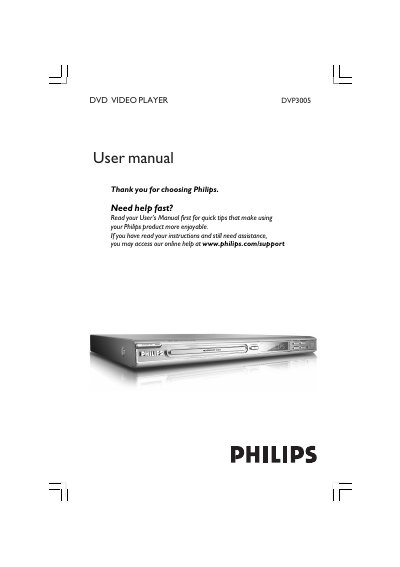
This is the user manual for the Philips DVP3005 DVD video player. It explains how to connect the player to a TV using SCART, composite video (CVBS) or component video (Pr Pb Y) jacks, or through an accessory RF modulator, and how to connect the power cord and optional audio equipment such as a stereo system or a digital AV receiver with a PCM, Dolby Digital or MPEG2 decoder.
The manual then covers inserting batteries into the remote control, setting up the TV (including the Progressive Scan feature and the colour system), choosing OSD, audio, subtitle and disc menu languages, disc operations such as repeat and shuffle play, zooming, slow motion and on-screen display, playing MP3/JPEG (Kodak) Picture CD, the DVD setup menus, troubleshooting and specifications. It also contains laser safety notices, a language code list and UK mains plug instructions; the same manual is printed in English, German, Polish and Russian.
| Model No. | DVP 3005 |
|---|---|
| Laser type | Semiconductor laser GaAlAs |
| Wave length | 650 nm (DVD), 780 nm (VCD/CD) |
| Output power | 7 mW (DVD), 10 mW (VCD/CD) |
| Beam divergence | 60 degree |
| UK mains plug fuse | BS1362 5 Amp, A.S.T.A. or BSI approved type |
Fit a new fuse of the BS1362 5 Amp, A.S.T.A. or BSI approved type, then refit the fuse cover. If a plug without a fuse is used, the fuse at the distribution board should not be greater than 5 Amp.
The manual directs users to www.philips.com/support for software upgrade.
The laser wavelength is 650 nm for DVD and 780 nm for VCD/CD.
The manual describes using an accessory RF modulator for this connection.