
User manual for the Philips DVP2880 DVD player, covering hookup, basic playback, video options, slideshows, DivX, EasyLink, settings, and troubleshooting.
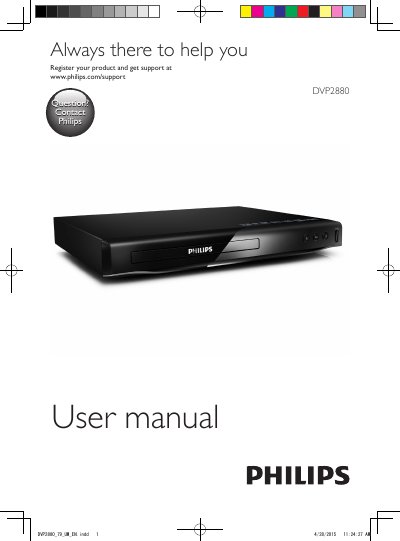
The Philips DVP2880 user manual explains how to hook up and play a DVD player. It covers basic playback controls, video options, musical slideshows, repeat and skip play, DivX video playback, and Philips EasyLink over HDMI CEC.
It also describes settings for general, picture, sound, and preference options, software updates, specifications, troubleshooting, and safety notices.
| Playback source | Disc or USB storage device |
|---|---|
| Supported DivX subtitle formats | .srt, .sub, .txt, .ssa, and .smi |
| EasyLink protocol | HDMI CEC (Consumer Electronics Control) |
| Repeat play options | Current title, chapter, or track |
You can play DivX videos from a disc or a connected USB storage device.
Play music and pictures simultaneously to create a musical slideshow.
Press REPEAT/REPEAT A-B until [Off] is displayed.
It lets you use a single remote control to control EasyLink compliant devices connected through HDMI.