
The Philips DS9000 audio system user manual covers setup, iPod/iPhone playback, auxiliary input, technical specifications, and troubleshooting.
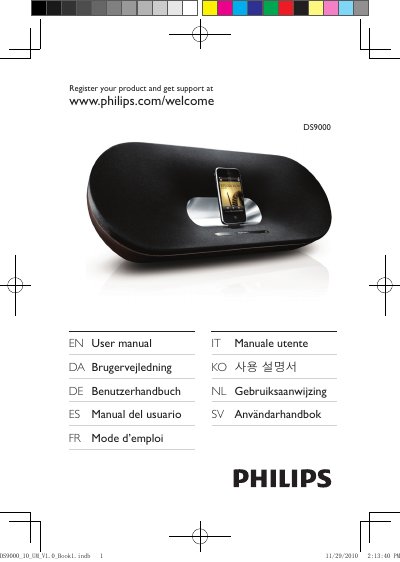
This Philips DS9000 user manual is for a docking speaker system that plays music from an iPod/iPhone and other audio devices. It includes safety instructions, package contents, getting started steps, playback controls, and troubleshooting tips.
Technical specifications list a 2 x 50 W RMS amplifier, AC 100-240 V power supply, and main unit dimensions of 562 x 219 x 180 mm weighing 6.4 kg. This manual is written in French.
| Rated output power | 2 x 50 W RMS |
|---|---|
| Signal-to-noise ratio | 85 dB |
| Aux-in | 0.6 V RMS 10 kohm |
| Power supply | AC 100-240 V~, 50/60 Hz |
| Operating power consumption | < 100 W |
| Standby power consumption | < 1 W |
| Main unit dimensions | 562 x 219 x 180 mm |
| Main unit weight | 6.4 kg |
Select the Aux-in mode, connect the supplied Aux-in cable to the AUX IN (3.5 mm) jack on the rear of the unit and the headphone jack of the external device, then start playback on the device.
Adjust the volume.
The nameplate is located under the unit.