
User manual for Philips DPM7200/DPM7820 digital dictation recorder with setup, recording, playback, and troubleshooting instructions.
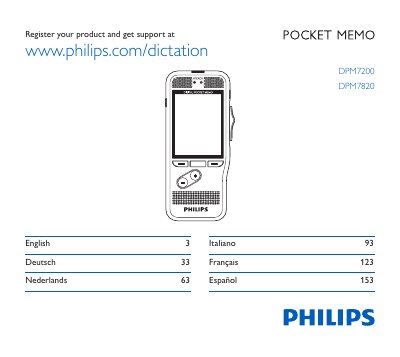
This user manual covers the setup, operation, and maintenance of the Philips DPM7200/DPM7820 digital dictation recorder. It includes instructions for installing the device, charging the battery, setting language and date/time, recording with voice activation, editing files, and using Philips SpeechExec software. Safety guidelines and technical specifications are also provided.
The device features two microphones for stereo audio, a slide switch for one-handed operation, a large color display, and support for SD/SDHC memory cards up to 32 GB. It supports hands-free recording via an optional foot switch and can be docked for charging. The manual also explains file management, playback controls, and troubleshooting steps for common issues.
| Battery Type | Rechargeable Li-ion |
|---|---|
| Memory Card Support | SD/SDHC up to 32 GB |
| Microphones | Two microphones for stereo audio |
| Display | Large color display |
| Recording Profiles | Dictate, Meeting, Speech recognition, Personal |
| Voice Activation | Automatic pause after 3 seconds of silence |
The device supports SD/SDHC memory cards up to 32 GB in capacity.
Yes, but set the volume to a moderate level and avoid using headphones for extended periods or in dangerous situations.
The recording quality can be set to QP, SP, MP3, or PCM.