
User manual for the Philips EasyKey 7000 series push-pull smart lock (DDL706A-5HW), covering installation, setup, use, and troubleshooting.
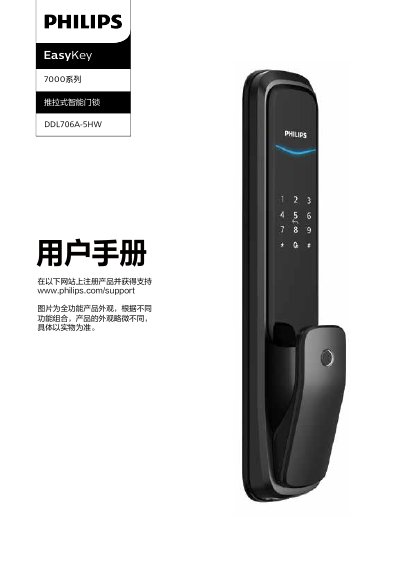
This user manual is for the Philips EasyKey 7000 series push-pull smart lock, model DDL706A-5HW. It covers safety information, product contents, installation, panel layout, setup, daily use, other functions, indicator lights, troubleshooting, and material declarations.
The manual describes door handing and installation steps, administrator and user settings, unlocking and locking methods, anti-theft and alarm functions, emergency power use, battery replacement, and the lock's supported door thicknesses and battery configuration. This manual is written in Chinese.
| Basic power supply | 4 x 1.5 V alkaline batteries |
|---|---|
| Battery box capacity | Two groups; can hold 8 batteries |
| Default door thickness | 60-90 mm |
| Supported door opening directions | Left outer pull, right outer pull, left inner push, right inner push |
| Emergency power | 5 V power bank via Type-C interface |
Its basic working power is four 1.5 V alkaline batteries, and the battery box has two groups that can hold eight batteries.
The default accessory pack is suitable for doors 60-90 mm thick; contact the company for other sizes.
Use a 5 V power bank through the Type-C interface to power the lock, then replace the batteries after opening.
The lock supports left outer pull, right outer pull, left inner push, and right inner push doors.