
Quick setup guide for Philips DCM250 docking entertainment system, covering connection, installation, and playback features.
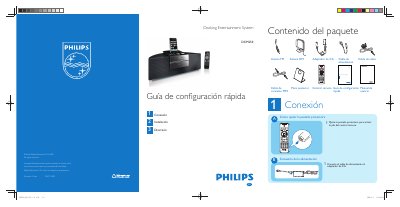
This guide helps users quickly set up the Philips DCM250 docking entertainment system. It includes instructions for connecting power, installing the device, and using playback features such as CD, USB, and iPod/iPhone. It also covers radio tuning and clock adjustment.
The guide is designed for users who want to get started with the device immediately, with step-by-step instructions for connecting cables, inserting discs, and programming radio stations. This manual is written in Spanish.
Press CD to select the disc as the source, insert the disc with the printed side facing up, then press 2; to start playback.
In standby mode, press PROG to activate clock setting mode, select 12 or 24 hour format, then use J/K to adjust the hours and minutes.
Make sure the USB device contains audio files in a playable format, then connect it to the USB port and press USB to select USB as the source.
Install the included back plate, place the iPod or iPhone on the base, then press iPod to select it as the source.