
User manual for the Philips DCM230 docking entertainment system: setup, CD/MP3 playback, radio, USB and external sources, iPod dock, clock/timer and…
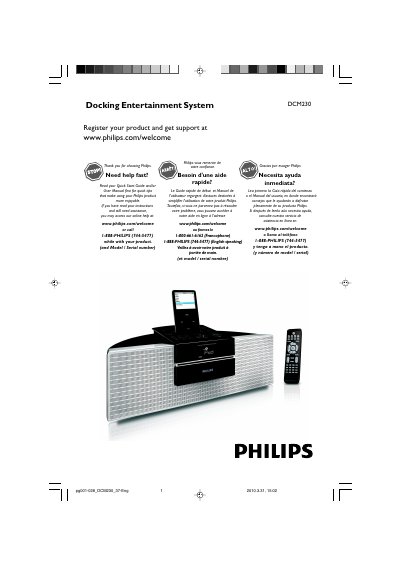
This is the Philips DCM230 Docking Entertainment System user manual. It opens with a welcome and support page pointing owners to the Quick Start Guide, the online help at www.philips.com/welcome and the Philips phone support line, followed by FCC and Canadian Class B interference notices, safety cautions and a trademark note for Windows Media.
The contents cover general information and safety, including hearing safety, preparations such as rear connections and connecting a USB device, memory card or non-USB device, and remote control battery fitting. Further sections describe the system and remote controls, basic functions such as power on, ECO Power standby and volume/sound settings, CD and MP3/WMA disc playback with SHUFFLE, REPEAT and program modes, radio tuning and preset programming, external and mass-storage USB sources, clock and timer settings including sleep timer, the iPod dock with compatible players and battery charging, plus specifications, maintenance and troubleshooting. The manual is published in English, French and Spanish sections.
| Remote control battery | Lithium CR2025 |
|---|---|
| FCC compliance | Class B digital device, part 15 of the FCC Rules |
You can register your product and get support at www.philips.com/welcome.
Read the Quick Start Guide and/or the User Manual first for tips that make using the product more enjoyable.
Call 1-888-PHILIPS (744-5477) with the product and its model/serial number nearby.
Relocate the receiving antenna, increase the separation between the equipment and receiver, connect to a different outlet circuit, or consult the dealer or an experienced radio/TV technician.