
Philips DCM230 CD/USB/radio system quick start guide covering connections, clock setup, disc and USB playback, radio presets, and iPod playback.
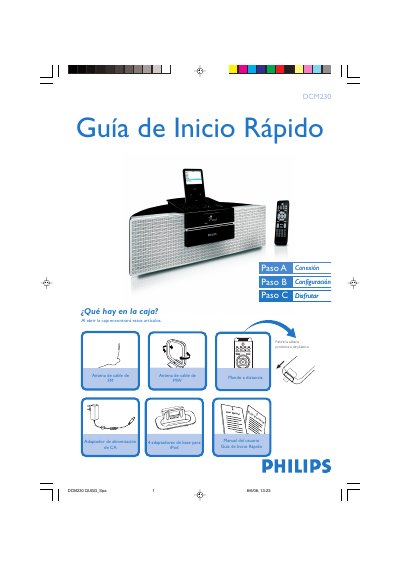
This four-page Spanish quick start guide for the Philips DCM230 explains the box contents, connecting the FM and MW antennas and AC power adaptor, and setting the clock. It then describes playing a disc, playing audio from a USB storage device, presetting radio stations, and playing an iPod through the dock.
The guide also includes remote control notes and refers readers to the attached owner's manual for detailed playback and additional functions. The page is marked with a 2007 Philips copyright notice. This manual is written in Spanish.
| Radio bands | MW and FM |
|---|---|
| Included iPod dock adapters | 4 |
| USB memory support | USB 2.0 or USB 1.1 flash memory and flash players |
| Clock display modes | 12HR or 24HR |
| Power source | AC power adaptor |
In standby mode, press PROG, choose 12HR or 24HR with ALBUM/PRESET +/-, set the hours and minutes, and press PROG to confirm.
Insert a disc into the loading slot with the label side facing up, then press ÉÅ to start playback; press 9 to stop.
Connect the USB device to the unit's USB jack, then press SOURCE repeatedly (or USB on the remote) to select USB.
Select the tuner source, press PROG for more than two seconds to program all available stations by frequency, then use ALBUM/PRESET +/- to choose a preset number.