
User manual for the Philips DCM1130 Micro Music System, covering setup, disc and USB playback, iPod/iPhone, FM radio, timers, and troubleshooting.
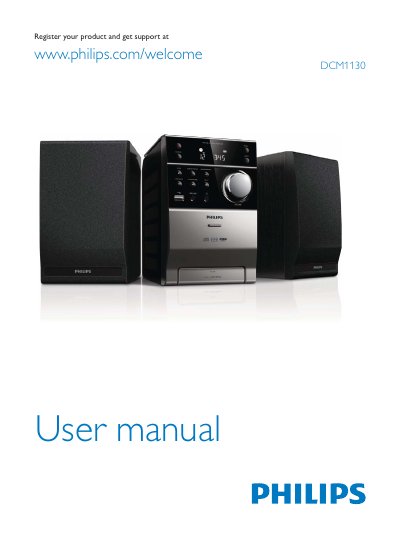
The Philips DCM1130 Micro Music System user manual explains how to connect the speakers and power, prepare the remote control, set the clock, and use the main playback functions. It covers disc and USB playback, sound adjustment, iPod/iPhone playback and charging, and FM radio tuning and presets.
The manual also describes alarm and sleep timers, external audio and headphone listening, supported MP3 formats, USB playability information, and troubleshooting. Safety, hearing, battery, and disposal guidance appears near the beginning.
The Get started section includes a Set clock procedure after connecting power and preparing the remote control.
Yes. The manual includes instructions for loading, charging, listening to, and removing an iPod or iPhone.
Troubleshooting is covered in Section 9 of the user manual.