
Philips D600/D605 DECT telephone quick start guide: setup, charging, calls, phonebook, answering machine, Eco modes and troubleshooting.
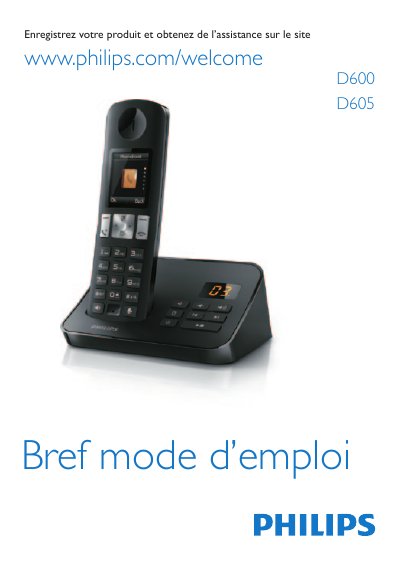
This is the French quick start guide ("Bref mode d'emploi") for the Philips D600 and D605 telephones. It opens with important safety instructions, including notes on using the phone as a baby monitor, then shows the handset overview and menu icons, explains how to connect the base and charger, insert the batteries, charge for 8 hours and set country, language, date and time.
The usage section covers the phonebook (100 entries), direct-access memory keys, the call log and redial list, recording an announcement on the D605, registering additional handsets with the default PIN 0000 and resetting to factory settings. A "find out more" section explains silent mode, sound profiles, Eco and Eco+ modes and call barring, followed by technical specifications, a question-and-answer troubleshooting section and Philips warranty contacts. This manual is written in French.
| Battery | 2 x AAA rechargeable NiMH, 1.2 V, 550 mAh (Philips) |
|---|---|
| Adapter input | 100-240 V~, 50/60 Hz, 200 mA |
| Adapter output | 6 V, 400 mA |
| Phonebook capacity | 100 entries |
| Call log capacity | 50 entries |
| Talk time | 18 hours |
| Standby time | 250 hours |
| Charging time | 8 hours |
Charge the device for 8 hours.
Select [Menu] > [Souscrire], hold the button on the base for 5 seconds and enter the default PIN 0000. The process takes less than 2 minutes.
The handset is out of range; move it closer to the base.
The system PIN is 0000.