
User manual for the Philips CEM2101/98 car audio system, covering installation, radio, CD/MP3 and USB playback, settings, and troubleshooting.
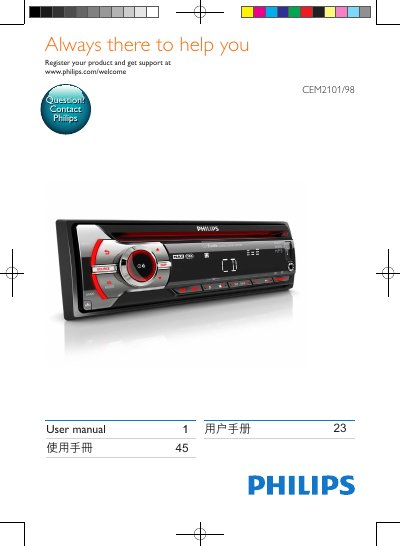
Philips CEM2101/98 is a car audio system covered by this user manual. The manual explains installation, controls, radio tuning, CD/MP3 and USB playback, sound and system settings, and troubleshooting.
It also lists the supplied accessories and product specifications, including power supply, output power, radio frequency ranges, USB compatibility, dimensions, and weight. This manual is written in Chinese.
| Power supply | 12 V DC (11 V - 16 V), negative ground |
|---|---|
| Fuse | 15 A |
| Speaker impedance | 4 to 8 ohms |
| Maximum output power | 50 W x 4 |
| Continuous output power | 21 W x 4 RMS (4 ohms, 10% T.H.D.) |
| Pre-amplifier output voltage | 2.5 V |
| Auxiliary input power | 500 mV |
| Dimensions (W x H x D) | 181.5 x 52 x 191.4 mm |
| Weight | 1.47 kg |
| FM frequency range | 87.5 - 108.0 MHz |
| AM (MW) frequency range | 522 - 1620 KHz (9 kHz); 530 - 1710 kHz (10 kHz) |
| FM usable sensitivity | 8 µV |
| AM (MW) usable sensitivity | 30 µV |
| Supported USB file systems | FAT12, FAT16, FAT32 |
It can play FM or AM (MW) radio, CD or MP3 CD music, audio from USB devices, and music from other external devices.
The box includes the main unit with installation sleeve, front panel, trim plate, front panel carrying case, ISO pin connector, rubber cushion, one screw, two removal tools, and the user manual.
Press MENU repeatedly until the current time flashes, turn the control to set the hour, press to confirm, then set and confirm the minutes.
The supported speaker impedance is 4 to 8 ohms.