
Philips CEM2101 car audio system user manual with installation, operation, settings, and troubleshooting for FM/AM radio, CD/MP3, USB, and external sources.
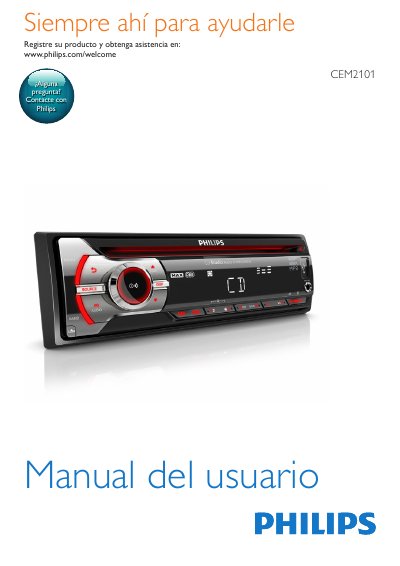
The Philips CEM2101 is a car audio system that plays FM or AM (MW) radio, CD and MP3 discs, USB audio devices, and other external audio sources. The user manual includes safety information, installation instructions, and a description of the main unit controls and box contents.
It explains how to tune and store radio stations, play discs and USB files, adjust volume and sound settings such as DBB, Max Sound, and equalizer presets, and change system settings. Additional sections cover front panel removal, fuse replacement, unit removal, product information, troubleshooting, and a glossary. This manual is written in Spanish.
| Power supply | 12 V DC with ground connection |
|---|---|
| Supported audio sources | FM/AM (MW) radio, CD/MP3 discs, USB devices, external audio sources |
It is designed to operate exclusively with 12 V DC power with a ground connection.
It supports FM or AM (MW) radio, CD or MP3 discs, USB devices, and other external audio sources.
Press the RESET button to restore the default settings.
Consult a professional when it is necessary to change the fuse.