
The Philips CED320 Quick Start Guide provides installation, wiring, and operating instructions for the CED320 car stereo.
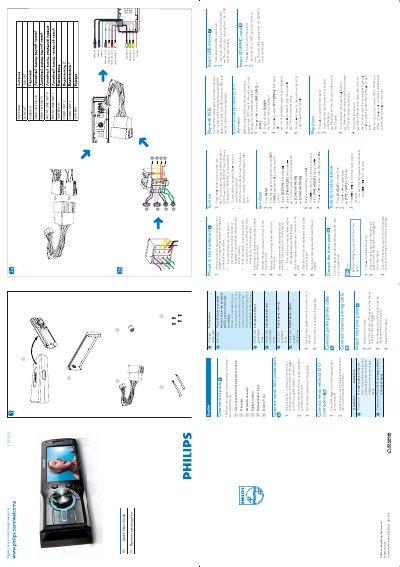
This Philips CED320 Quick Start Guide describes the supplied parts and explains how to connect the unit using ISO or non-ISO connectors, attach the front panel, and mount it in the car dashboard.
It also covers turning the CED320 on and off, setting the clock, tuning FM/AM radio stations, using RDS, playing discs, and inserting USB devices or SD/MMC cards.
| Power supply | +12V |
|---|---|
| Standby delay | over 5 minutes |
Press the knob to turn on the unit.
Press to release the panel, open it, push the right side toward the left to disengage it, then take it off and store it in the carry case.
When the unit is idle for over 5 minutes, it goes to standby mode and displays a screen saver.