
User guide for Philips CD191 and CD196 cordless phones, covering setup, calling, contacts, call logs, and settings.
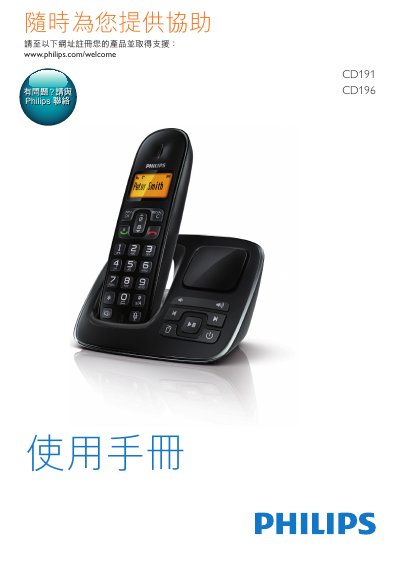
This manual provides step-by-step instructions for setting up and using the Philips CD191 and CD196 cordless phones. It covers connecting the base station, charging the handset, making and receiving calls, managing contacts and call logs, adjusting settings, and using the answering machine. Safety warnings and troubleshooting tips are also included.
The guide is written in Chinese (Traditional) and includes diagrams of the handset and base station, as well as explanations of indicator lights and menu navigation.
| Power Supply | 100-240 volts AC |
|---|---|
| Operating Temperature | 0°C to +40°C (relative humidity < 90%) |
| Storage Temperature | -20°C to +45°C (relative humidity < 95%) |
Place the handset on the charger/base station and ensure the charging contacts are clean. The battery indicator will show charging progress.
Check the phone line connection and ensure the handset is within range of the base station.
Go to [Answ. Machine] > [Remote access] > [Change PIN], enter the old PIN, then set a new one.