
User guide for the Philips BT3900 Bluetooth speaker, covering setup, Bluetooth pairing, audio playback, and troubleshooting.
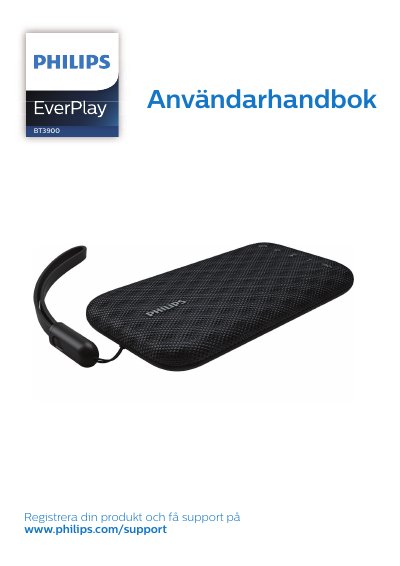
This manual provides step-by-step instructions for setting up and using the Philips BT3900 Bluetooth speaker. It covers turning the device on and off, checking battery level, charging, connecting via Bluetooth, playing audio from external devices, and managing Bluetooth connections. Safety and environmental disposal guidelines are also included.
The speaker features a 3.5mm audio input for wired playback, a USB handle strap for portability, and a built-in rechargeable battery that can be charged via USB. Bluetooth connectivity allows streaming audio from compatible devices with a range of about 30 meters. The device supports hands-free calling and can be controlled using its buttons for volume, play/pause, and call management. This manual is written in Swedish.
| Battery Type | Rechargeable battery |
|---|---|
| Bluetooth Range | Approximately 30 meters |
| Water Resistance | IP57 when USB/AUDIO-IN port is properly protected |
| Operating Temperature | -10 °C to 40 °C |
Press and hold the power button for at least two seconds. The Bluetooth indicator will start blinking, and the battery indicator will light up briefly.
Press the power button briefly while the device is on or off to display the battery level. Four LED indicators show the charge level: full (all LEDs on), 80–100%, 50–80%, 20–50%, and low (<20%).