
Turkish user manual for the Philips BDP7700 Blu-ray Disc/DVD player, covering connections, playback, settings, updates, features and troubleshooting.
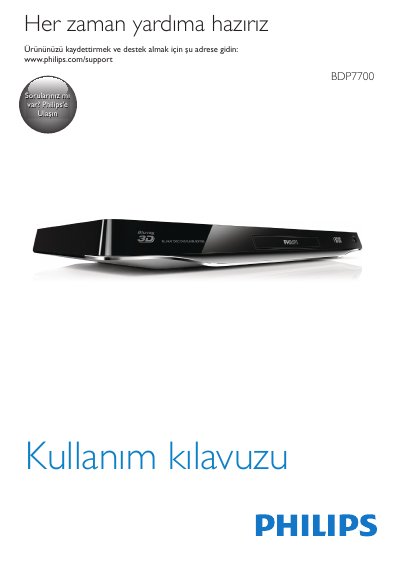
This is a Turkish-language user manual for the Philips BDP7700 Blu-ray Disc/DVD player. It covers connecting and playing discs and media, basic playback controls, video, audio and picture options, DivX playback, audio/video synchronization, music slideshows, BonusView, BD-Live, 3D playback, network setup, smartphone control, DLNA, Smart TV, online video rental, USB keyboard or mouse use, EasyLink and Android media playback.
It also explains changing picture, sound, network, preference and advanced settings, updating software over the Internet or via USB, listing features and troubleshooting common problems. This manual is written in Turkish.
It is used to prevent unauthorized copying of commercially produced films, videos and their soundtracks; if unauthorized use of an unauthorized copy is detected, a message is displayed and playback or copying stops.
Press and hold the stop/open control for more than 4 seconds.
The manual describes updating the software over the Internet and updating the software via USB.