
User manual for the Philips BDP5500 Blu-ray/DVD player: connections, playback, network setup, settings, software updates and troubleshooting.
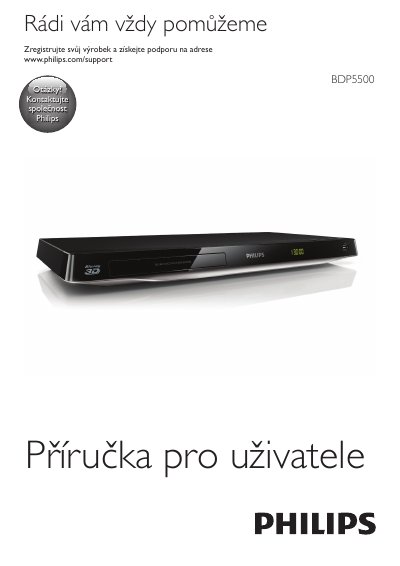
This is the Czech user manual for the Philips BDP5500 (BDP5500/12) Blu-ray Disc/DVD player. It begins with the connection and control chapter, which shows how the player is wired to a TV and audio equipment through HDMI, video, coaxial and audio line outputs, and explains the basic control buttons on the player.
The rest of the manual covers playback of Blu-ray, DVD, VCD and CD discs, including Blu-ray 3D, BonusView and BD-Live, DivX videos, music slideshows and picture display. It also describes network setup, DLNA browsing of a computer, the Smart TV portal, online video rental, USB keyboard and mouse use, Philips EasyLink, media transfer from Android devices, picture/sound/network/preference settings, software updates over the internet or USB, specifications and troubleshooting. This manual is written in Czech.
| Product type | Blu-ray Disc/DVD Player |
|---|---|
| Model version | BDP5500/12 |
| Video playback | DivX and DivX Plus HD (H.264/MKV) up to 1080p HD |
| Connections | HDMI OUT, VIDEO, COAXIAL, AUDIO LINE OUT |
Press and hold the button on the player for more than 4 seconds to open or close the disc tray.
The manual describes updating the software over the internet or through the USB interface.
Register your product at www.philips.com/welcome to get support such as product software updates.
The player uses Cinavia technology to limit the use of unauthorized copies of some commercial movies, videos and their soundtracks.