
User guide for Philips BDP3200 Blu-ray/DVD player covering setup, playback, audio/video settings, network configuration, and software updates.
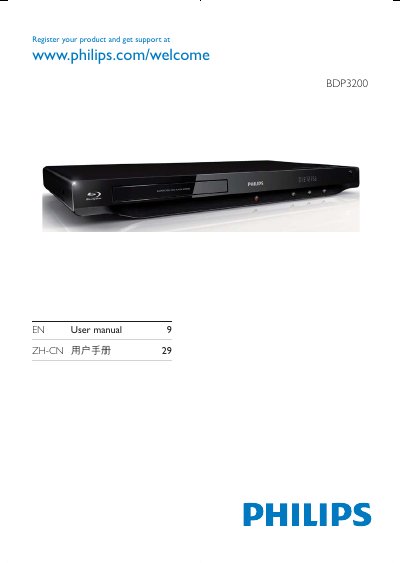
This manual provides step-by-step instructions for setting up and using the Philips BDP3200 Blu-ray/DVD player. It covers basic playback controls, video and audio settings, network setup, and software updates. The device supports multiple disc formats, USB media, and various video/audio codecs. It also includes troubleshooting and safety information.
The manual is organized into sections for hookup, playback, settings, software updates, specifications, troubleshooting, and safety notices. It includes diagrams for connections and detailed descriptions of remote control functions and menu options.
| Region Code | China |
|---|---|
| Playable Media | BD-Video • DVD-Video, DVD+R/+RW, DVD-R/-RW, DVD+R/-R DL (Dual Layer) • VCD/SVCD • Audio CD, CD-R/CD-RW, MP3 media, WMA media, JPEG files • DivX (Ultra)/DivX Plus HD media, MKV media • USB storage device |
| Video Signal System | PAL / NTSC |
| HDMI Output | 480p, 576p, 720p, 1080i, 1080p, 1080p24 |
| Audio Output | 2 Channel analog output • Digital output: 0.5 Vp-p (75 ohm) • Coaxial • HDMI output |
| Sampling Frequency | MP3: 32 kHz, 44.1 kHz, 48 kHz • WMA: 44.1 kHz, 48 kHz |
| Constant Bit Rate | MP3: 112 kbps - 320 kpbs • WMA: 48 kpbs - 192 kpbs |
During play, press the buttons to control playback. Press and hold the button for more than 4 seconds to open or close the disc compartment. Use the buttons to pause, slow forward frame by frame, start or resume play, skip tracks or chapters, and fast forward or rewind.
The player supports BD-Video, DVD-Video, DVD+R/+RW, DVD-R/-RW, DVD+R/-R DL, VCD/SVCD, Audio CD, CD-R/CD-RW, MP3, WMA, JPEG, DivX (Ultra)/DivX Plus HD, MKV, and USB storage devices.
Use the network setup section to configure the player’s network settings. You can also use Philips EasyLink to connect the player to a network.
Yes, you can update the software via the Internet or via USB. The manual provides instructions for both methods.