
This manual provides installation, operation, image optimization settings like SmartImage and SmartContrast, technical specifications, power management, and…
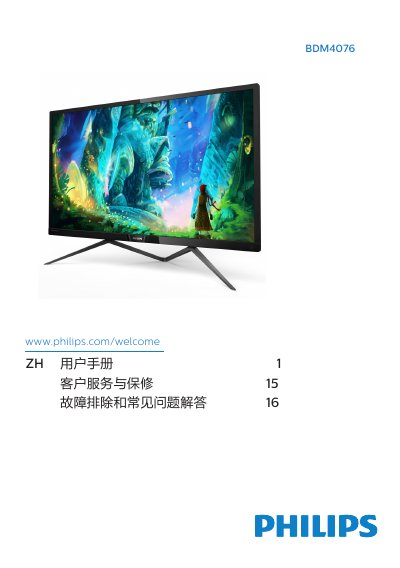
The Philips BDM4076 is a flat panel display designed for use with computers. This user guide covers essential safety precautions, including proper ventilation, temperature limits (0-40 °C), and cleaning instructions to prevent damage or image burn-in.
To set up the monitor, connect VGA, HDMI, or DisplayPort cables to the rear ports and power on both the computer and the display. Users can adjust settings via the On-Screen Display (OSD) menu accessed by a joystick-style button on the back of the panel. Key features include SmartImage for gaming modes (FPS, Racing, RTS), SmartContrast, adjustable brightness/contrast, multiple aspect ratios, and audio output. This manual is written in Chinese.