
The Philips BDM3270QP user manual provides setup, operation, safety, specifications, and troubleshooting information for the 32‑inch monitor.
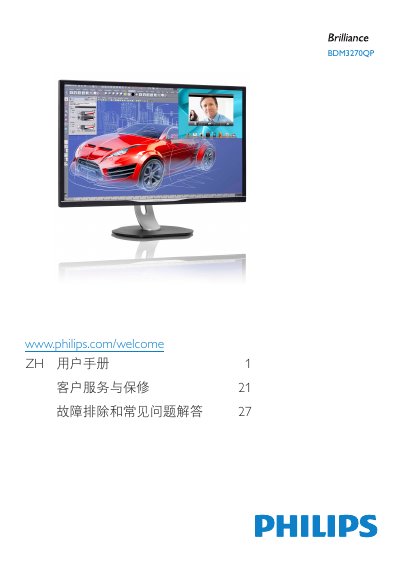
This manual guides users through safe installation, configuration, and daily operation of the Philips BDM3270QP 32‑inch LCD monitor. It includes safety warnings, wiring instructions, OSD navigation, and detailed troubleshooting steps.
Key sections cover image optimization features such as SmartImage and SmartContrast, technical specifications like panel type, resolution and power consumption, and warranty and service information. The document is intended for end‑users and service technicians alike. This manual is written in Chinese.
| Panel type | AMVA |
|---|---|
| Screen size | 32" (81.3 cm) |
| Response time | 12 ms (GtG) |
| SmartContrast ratio | 50,000,000:1 |
| Brightness uniformity | 93 % – 105 % |
| Power consumption (typical) | 62 W |
Set the monitor to its native resolution of 2560 × 1440 @ 60 Hz and adjust the refresh rate to 60 Hz (or up to 75 Hz to test).
Use a dry soft cloth for normal cleaning; for detailed cleaning use isopropyl alcohol, and avoid solvents such as ethanol, acetone, or other harsh chemicals.