
Philips Q Series 55" LED display with smart control, low power, high contrast, and wide viewing angle for public display applications.
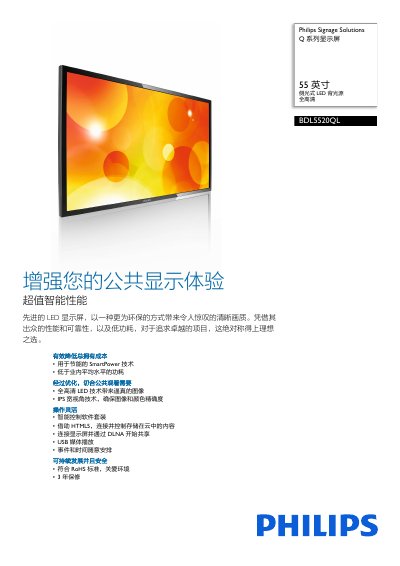
The Philips Q Series BDL5520QL is a 55-inch side-lit LED display designed for public viewing environments. It features IPS technology for 178/178-degree viewing angles and full HD resolution. The display supports smart control via cloud content management, DLNA sharing, USB media playback, and 24-hour scheduling. It includes energy-saving SmartPower technology, RoHS compliance, and a 3-year warranty.
Connectivity options include HDMI, DVI-D, VGA, USB, component, and composite inputs. Audio outputs are SPDIF and RCA, with built-in 2x7W speakers. The display is designed for low power consumption and supports multiple languages including Chinese, French, German, and Spanish. This manual is written in Chinese.
| Resolution | 1920 x 1080p |
|---|---|
| Brightness | 350 cd/m² |
| Contrast Ratio | 1400:1 (static), 500,000:1 (dynamic) |
| Response Time | 8 ms |
| Viewing Angle | 178° horizontal, 178° vertical |
| Audio Output | SPDIF, RCA |
| Supported Languages | Simplified Chinese, French, German, Italian, Polish, Turkish, Russian, Spanish, Traditional Chinese |
It supports HDMI, DVI-D, VGA, USB, component, and composite inputs.
It is a Q Series display with a 55 英寸 screen, side-lit LED backlight, and Full HD.
It has 178/178 度 viewing angles.
Display settings can be changed centrally through RJ45 or RS232 connections.