
User manual for the Philips AJ5305D/AJ5305DB docking entertainment system, covering setup, iPod/iPhone playback, radio, alarms, specifications, and…
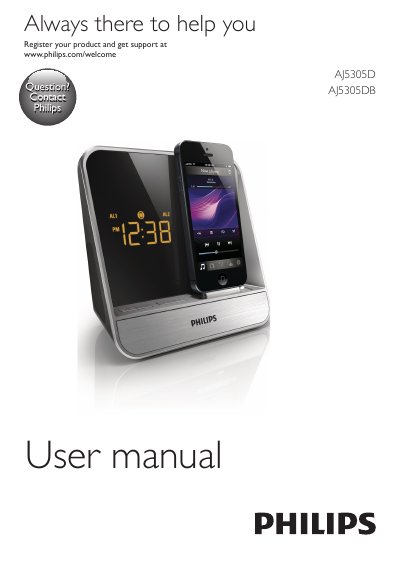
The Philips AJ5305D/AJ5305DB is a docking entertainment system and clock radio. It lets you listen to FM radio, play audio from an iPod/iPhone or an external device, set alarms with buzzer, radio, or iPod/iPhone audio as the source, and use features provided by the HomeStudio app.
This user manual covers important safety information, the main unit overview, connecting power, setting the time and date, playing from iPod/iPhone, listening to radio, using alarm and sleep timers, adjusting display brightness, product specifications, troubleshooting, and notice information.
| Rated Output Power | 2 x 2 W RMS |
|---|---|
| Frequency Response | 40-20000 Hz |
| Signal to Noise Ratio | >65 dB |
| Total Harmonic Distortion | <1% |
| FM Tuning Range | 87.5-108 MHz |
| FM Tuning Grid | 50 KHz |
| Speaker Impedance | 4 ohm |
| Dimensions (Main Unit) | 283 x 118 x 112 mm |
| Weight | Main unit: 0.654 kg; with packing: 0.812 kg |
| AC Power Adapter Input | 100-240 V~, 50/60 Hz; 350 mA |
| AC Power Adapter Output | 5.9 V 2 A |
| Operation Power Consumption | <10 W |
| Standby Power Consumption | <1 W |
In standby mode, press and hold TIME SET for more than two seconds, select the 12/24-hour format, then set the hour and minute.
The unit supports iPod touch 5th generation, iPod nano 7th generation, and iPhone 5.
You can choose buzzer, radio, or audio in iPod/iPhone as the alarm source.
Fully extend the FM antenna and change the antenna location.