
User manual for the Philips AEA2700 Bluetooth adapter, covering Hi-Fi connections, Bluetooth pairing, product specifications, and troubleshooting.
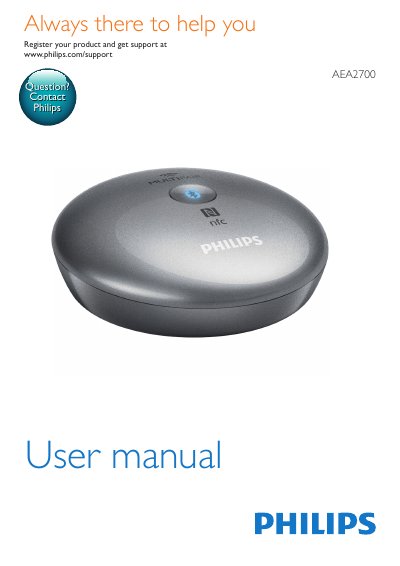
The Philips AEA2700 is a Bluetooth adapter that connects to a Hi-Fi speaker system so audio from a Bluetooth-enabled device can be played through the Hi-Fi system over a Bluetooth wireless connection. The manual covers safety, package contents, audio cable and power connections, Bluetooth pairing and device handling, product information, troubleshooting, and notices.
It describes three audio connection options (AUX OUT, COAXIAL OUT, and OPTICAL OUT), power connection, and how to pair, disconnect, reconnect, or clear the pairing history. Product information lists amplifier, Bluetooth, and general specifications; troubleshooting covers power, sound, audio quality, and connection issues.
| Amplifier output voltage | 1000 mV RMS |
|---|---|
| Frequency response | 20 Hz - 20 kHz, ±3 dB |
| Signal to noise ratio | > 62 dB |
| Total harmonic distortion | < 1 % |
| Bluetooth standard version | 3.0 |
| Bluetooth range | 10m (free space) |
| Operation power consumption | < 3 W |
| Standby power consumption | < 0.5 W |
| Dimensions - main unit | 74 x 28 x 72 mm |
| Weight - main unit | 0.04 kg |
It can connect a maximum of 3 Bluetooth devices simultaneously.
Enter 0000 when a password is required.
The operational range is approximately 10 meters (33 feet), and obstacles can reduce it.
Press and hold for 2 seconds to switch the adapter to pairing mode.