
This user manual provides instructions for installing filters, setting up Wi-Fi, operating the Philips AC5655, AC5656, and AC5660ZH-S air purifiers, and…
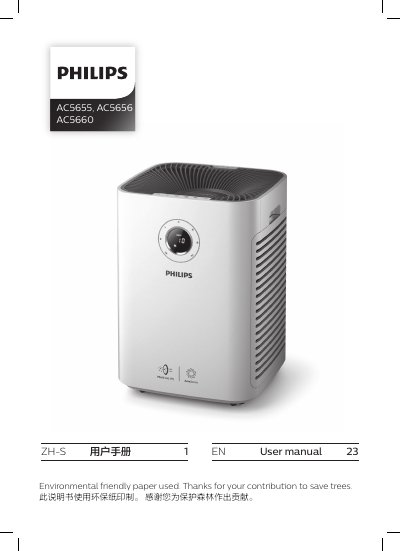
This manual covers the Philips AC5655, AC5656, and AC5660ZH-S air purifiers, including safety precautions, product overview, and installation instructions. It details how to install the pre-filter and air purification filter, ensuring the correct orientation and secure placement within the unit.
The guide also explains how to use the device, including interpreting the air quality indicator lights for PM2.5 and indoor allergen levels, adjusting fan speeds, and setting up the Wi-Fi connection using the Air Matters app. Additionally, it provides instructions for cleaning the unit and replacing filters, along with a troubleshooting section for common problems. This manual is written in Chinese.
| Filter Type | Nanoe Air Purification Filter S3 Type |
|---|---|
| Air Quality Indicator | PM2.5 and Indoor Allergen Index |
| Wi-Fi Compatibility | AC5655 and AC5660 only |
The back and sides must have at least 20 cm of space, and the top must have at least 30 cm of space.
Yes, Wi-Fi setup is only applicable to the AC5655 and AC5660 models.
The 'Air Matters 在意空气' application is used to connect the purifier to the home network.
No, the product cannot remove carbon monoxide (CO) or radon (Rn).