
User guide for Philips PhotoFrame 7FF2FPA digital photo frame with setup, operation, and troubleshooting instructions.
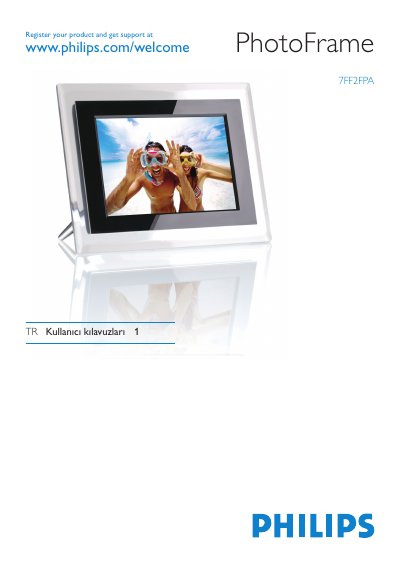
This manual provides step-by-step instructions for setting up and using the Philips PhotoFrame 7FF2FPA. It covers connecting the frame to a power source and stand, selecting language, viewing and managing photos from memory cards or computers, adjusting time and date, and configuring automatic on/off functions. The guide also includes safety and disposal information.
The device supports three viewing modes: Browse, Thumbnail, and Slide. Users can copy or delete photos, connect via USB to a computer, and adjust settings using buttons located on the back of the frame. This manual is written in Turkish.
Press and hold the power button on the back of the frame for about 2 seconds.
The left slot accepts Secure Digital, MMC, xD, and Memory Stick cards (face up); the right slot accepts Compact Flash cards (face down).
In thumbnail mode, select photos, choose Copy to or Copy all, then select Internal Memory as the destination.