
Japanese user manual for the Philips 65BDL3550Q professional display, covering installation, setup, operation, and specifications.
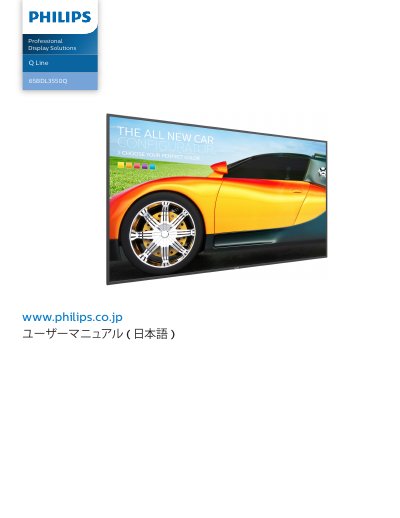
This document is the Japanese user manual for the Philips 65BDL3550Q professional display solution. It provides comprehensive instructions for unboxing, installation, and connecting external devices such as PCs and media players. The guide details how to use the on-screen display (OSD) menu for configuring video, screen, and audio settings, as well as managing apps and storage. This manual is written in Japanese.
| Operating Temperature | 0 to 40 °C |
|---|---|
| Storage Temperature | -20 to 65 °C |
| Operating Humidity | 20 to 80 % RH |
| Storage Humidity | 5 to 90 % RH |
You should unplug the display to prevent damage.
No, you must never use alcohol, solvents, or ammonia-based liquids.
It may cause 'burn-in' or 'ghosting' images that cannot be repaired.