
User manual for the Philips Momentum 558M1 monitor covering setup, operation, image optimization, specifications, and troubleshooting.
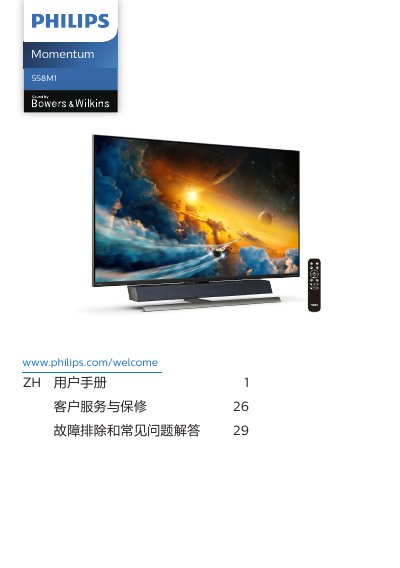
The Philips Momentum 558M1 user manual is a Chinese-language guide for setting up and using the monitor. It covers safety and maintenance, package contents and connection to a PC, operating the display, removing the stand, MultiView, Ambiglow, and image optimization features such as SmartImage, SmartContrast, HDR settings in Windows 10, and Adaptive Sync.
The guide also describes Bowers & Wilkins sound, technical specifications, resolution and preset modes, power management, customer service and warranty, and troubleshooting with general and MultiView FAQs. It includes notes on USB hub and USB charging behavior, including the USB Standby Mode setting. This manual is written in Chinese.
| HDMI inputs | 3 (HDMI-1, HDMI-2, HDMI-3) |
|---|---|
| DisplayPort input | 1 |
| USB upstream port | 1 |
| USB downstream ports | 4 |
| Kensington lock | 1 |
| Operating temperature | 0-40 °C (32-104 °F) |
| Operating humidity | 20-80% RH |
Unplug the monitor's power cord and wipe it dry with a soft cloth as soon as possible.
Go to the OSD menu, select USB Standby Mode, and set it to On.
The stated range is 0-40 °C (32-104 °F) and 20-80% RH.
Unplug the power cord and clean the monitor with a slightly damp cloth.