
User manual for the Philips Momentum 558M1 monitor, covering safety, setup, Ambiglow, image optimization, sound, specifications and troubleshooting.
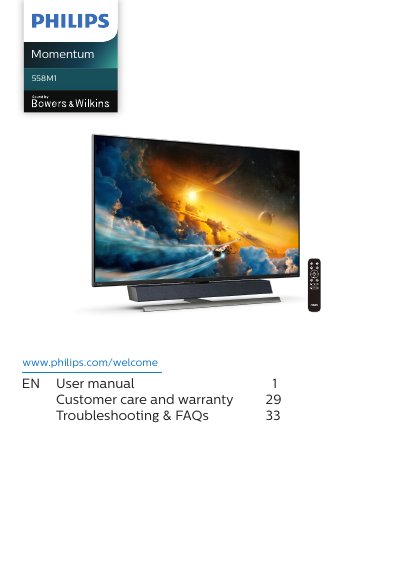
This user manual is intended for users of the Philips Momentum 558M1 display. It gives safety precautions and maintenance information, instructions for setting up and operating the display, removing the base for VESA mounting, and using MultiView.
The manual also describes Ambiglow, image optimization with SmartImage, SmartContrast, HDR settings in Windows 10, and Adaptive Sync, plus sound by Bowers & Wilkins. It includes technical specifications, resolution and preset modes, power management, customer care and warranty, and troubleshooting and FAQs.
| Operating temperature | 0-40°C (32-104°F) |
|---|---|
| Operating humidity | 20-80% RH |
Wipe it with a dry cloth as soon as possible.
No. The manual says never to use organic solvents such as alcohol or ammonia-based liquids to clean the monitor.
Wait 6 seconds before attaching the power cable or DC power cord.
Fasten the LCD to a wall using a cord or chain that can support the monitor's weight.