
User guide for Philips 49PUS6551 4K UHD TV covering setup, connections, apps, Bluetooth, and smart features.
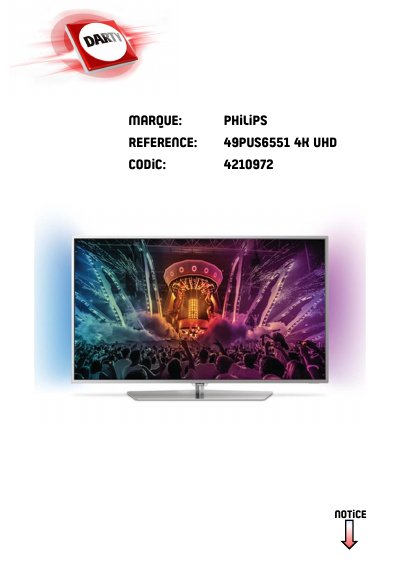
This manual provides step-by-step instructions for setting up and using the Philips 49PUS6551 4K UHD TV. It covers connecting devices, using apps, configuring Bluetooth, and managing smart features like Ambilight and Android TV. The guide also explains how to record and pause TV, use streaming services, and troubleshoot common issues.
The TV supports Ultra HD resolution, Android TV, and various connectivity options including HDMI, USB, and Wi-Fi. It includes features like Ambilight for immersive viewing and Google Cast for screen mirroring from mobile devices. This manual is written in French.
| Operating System | Android TV |
|---|---|
| Connectivity | HDMI, USB, Wi-Fi, Bluetooth |
| Smart Features | Ambilight, Google Cast, Philips TV Remote App |
Use the Philips TV Remote app or Google Cast to connect your smartphone to the TV.
Yes, you can record TV shows using a USB hard drive connected to the TV.
Ambilight is a feature that projects colored light from the sides of the screen onto adjacent walls for an immersive viewing experience.