
Philips D Line 43BDL4550D/50BDL4550D/55BDL4550D User Manual

Japanese user manual for Philips D Line professional displays covering installation, operation, and troubleshooting.
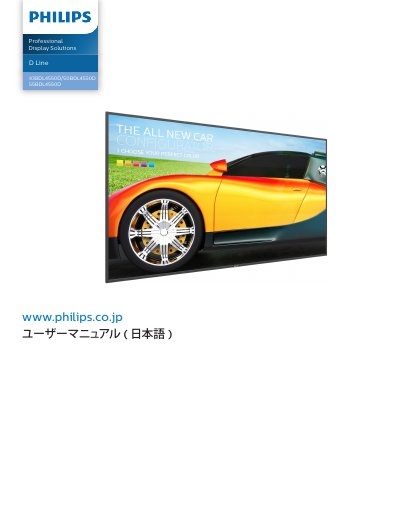

Philips D Line 43BDL4550D/50BDL4550D/55BDL4550D User Manual - cover page
Brand
Philips
Category
Monitors
Document type
User Manual
Language
Japanese
Pages
63
File format
PDF
File size
18.1 MB
Published
22 November, 2026
Updated
22 November, 2026
MD5 checksum
AF8EB1B58ABF1187960784E7ACE5E606

About this manual

This manual provides instructions for the Philips D Line series professional displays, specifically models 43BDL4550D, 50BDL4550D, and 55BDL4550D. It covers safety precautions, installation guidelines, and operating procedures. This manual is written in Japanese.

What's inside

  • Safety Precautions
  • Parts List
  • Installation
  • Connecting External Devices
  • Operating the Display
  • OSD Menu Navigation
  • Media Playback
  • Cleaning and Troubleshooting
  • Technical Specifications
  • Pixel Defect Policy

Frequently asked questions

What is the maximum operating temperature for the Philips D Line 43BDL4550D/50BDL4550D/55BDL4550D?

The maximum operating temperature is 40 °C.

What is the maximum humidity level for normal operation of the Philips D Line 43BDL4550D/50BDL4550D/55BDL4550D?

The maximum humidity level for normal operation is 80 % RH.

What should you do if the display develops burn-in or ghosting?

Turn off the power, and the burn-in or ghosting may fade over time.

What is required to safely operate the Philips D Line 43BDL4550D/50BDL4550D/55BDL4550D?

Use a grounded 3-pin outlet if the power cord has a 3-pin plug.

Download PDF (18.1 MB)

More Philips Manuals


View all Philips manuals →