
This manual provides safety warnings, operating instructions, installation guidelines, and maintenance tips for the Philips D Line…
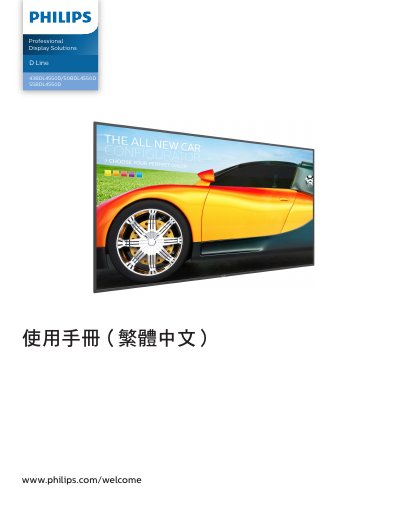
This document serves as the user manual for the Philips D Line series of smart displays, specifically models 43BDL4550D, 50BDL4550D, and 55BDL4550D. It outlines essential safety precautions, including proper ventilation, temperature limits, and handling instructions to prevent damage or injury. The guide emphasizes the importance of using the correct power supply and avoiding static electricity discharge. This manual is written in Chinese.
| Operating Temperature | 0 to 40 °C |
|---|---|
| Storage Temperature | -20 to 65 °C |
| Operating Humidity | 20 to 80 % RH |
| Storage Humidity | 5 to 90 % RH |
If the display is not functioning correctly despite following the manual's instructions, consult a maintenance technician.
Eye bolts are only suitable for short-term maintenance and installation; they should not be used for more than one hour.
It may cause 'burn-in' or 'ghosting' on the LCD panel, which is a common phenomenon in LCD technology and may not be repairable.