
This manual provides instructions for setting up, operating, and optimizing the Philips 349X7 monitor, including installation, image settings, FreeSync, and…
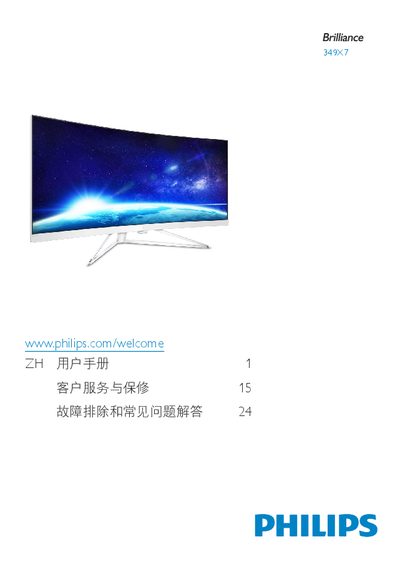
The Philips 349X7 is a computer monitor designed for various display needs. This user manual covers essential safety information, setup procedures including base installation and connecting to computers via HDMI, DisplayPort, or USB. It details how to operate the on-screen display (OSD) menu to adjust settings like color, brightness, and contrast. This manual is written in Chinese.
| Temperature Range | 0-40°C (32-104°F) |
|---|---|
| Humidity Range | 20-80% RH |
It may cause 'image retention' or 'ghosting' on the screen, which might not disappear after turning off the power.
No, you must use a power cord provided by Philips or contact your local service center if one is missing.