
Philips Momentum 345M2 Monitor User Manual

This manual provides instructions for setting up, operating, and optimizing the Philips Momentum 345M2 monitor, including image settings and troubleshooting.
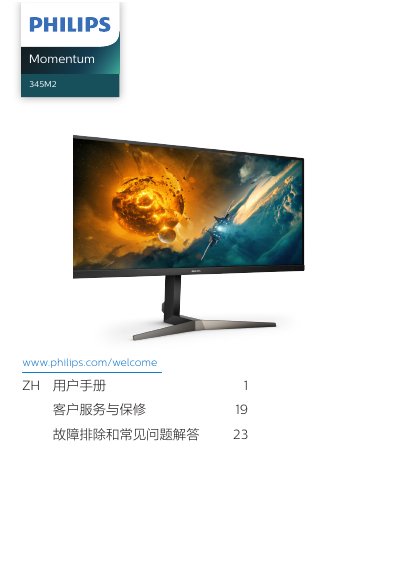

Philips Momentum 345M2 Monitor User Manual - cover page
Brand
Philips
Category
Monitors
Document type
User Manual
Language
Chinese
Pages
28
File format
PDF
File size
4.4 MB
Published
18 October, 2026
Updated
18 October, 2026
Model
345M2
MD5 checksum
C703D8FC14169CC39659522C9FE5EF12

About this manual

This user manual covers the Philips Momentum 345M2 monitor, including safety precautions, setup instructions, and operation guides. It details how to install the stand, connect the monitor to a computer via HDMI or DisplayPort, and use the control buttons to access the On-Screen Display (OSD) menu. This manual is written in Chinese.

What's inside

  • Safety Measures
  • Setting Up the Monitor
  • Connecting to Computer
  • Operating the Monitor
  • Image Optimization
  • AMD FreeSync Premium
  • HDR
  • Technical Specifications
  • Power Management
  • Troubleshooting
Download PDF (4.4 MB)

More Philips Manuals


View all Philips manuals →