
This user manual for the Philips 278C4 monitor covers safety information, installation, operation, image optimization features like SmartImage and Ambiglow…
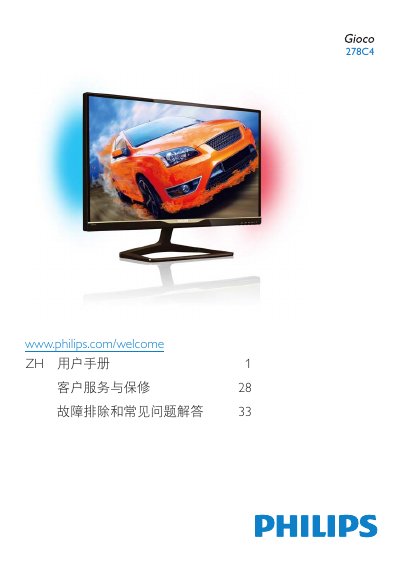
This document serves as the user manual for the Philips 278C4 monitor. It provides essential safety information, including warnings about electrical hazards, proper ventilation, and environmental conditions for operation. The guide details the setup process, including installing the stand and connecting the monitor to a PC via VGA or HDMI inputs. It also explains how to operate the monitor using the On-Screen Display (OSD) menu to adjust settings such as brightness, contrast, and input sources. This manual is written in Chinese.
| Native Resolution | 1920 x 1080 @ 60 Hz |
|---|---|
| Operating Temperature | 0-40 °C (32-95 °F) |
| Operating Humidity | 20-80% RH |
| Input Ports | VGA, HDMI (HDMI1, HDMI2, HDMI3) |
The monitor performs best at its native resolution of 1920 x 1080 @ 60 Hz.
It may cause image retention (burn-in), which might not disappear and is not covered by the warranty.