
This manual provides setup, operation, image optimization settings, and troubleshooting instructions for the Philips Momentum 275M8 monitor.
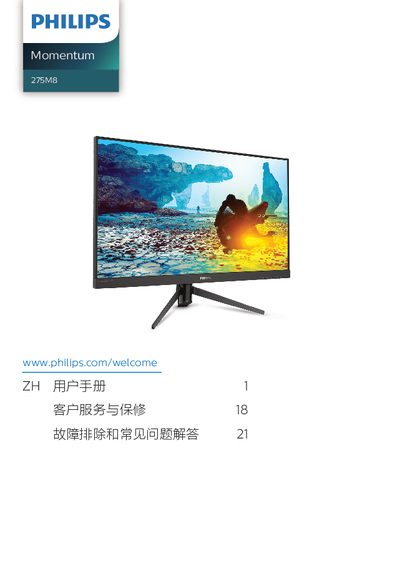
The Philips Momentum 275M8 is a display device designed for computer use. This user manual covers essential safety precautions, installation steps including connecting power and video cables, and basic operational procedures using the on-screen display (OSD) menu.
Key features discussed include SmartImage technology with various modes such as FPS, Racing, RTS, and Game presets. The document also details image optimization tools like SmartContrast and specific settings for HDR compatibility (model 275M8RZ), NVIDIA G-SYNC compatibility, and AMD FreeSync Premium. This manual is written in Chinese.
| Operating Temperature | 0-40°C (32-104°F) |
|---|---|
| Operating Humidity | 20-80% RH |
The available modes include FPS, Racing (竞赛), RTS, Game 1 (玩家 1), Game 2 (玩家 2), LowBlue Mode (低蓝光模式) and Off (关闭).
You must wait for 6 seconds before reconnecting the power cord to operate normally.