
User manual for the Philips 275E9 monitor, covering setup, image optimization, FreeSync, specifications, power management, warranty and troubleshooting.
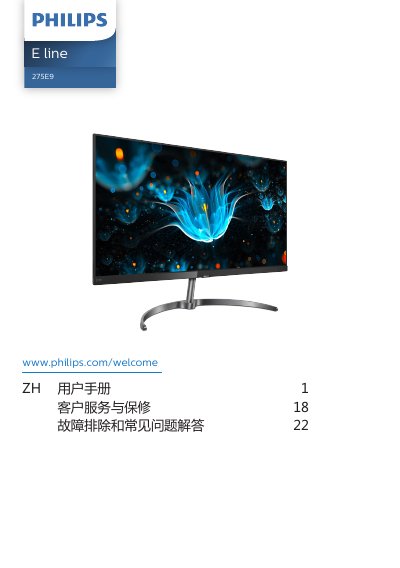
The Philips 275E9 user manual describes safety measures and maintenance, setting up the monitor, and operating its controls and on-screen display. It also covers image optimization with SmartImage and SmartContrast, FreeSync, technical specifications, power management, customer service and warranty, and troubleshooting.
The manual lists the package contents and connection options, including VGA, HDMI, DisplayPort, and audio output. It provides the recommended operating temperature and humidity, the AC/DC adapter model, and answers to common questions. This manual is written in Chinese.
| Operating temperature | 0-40 °C (32-104 °F) |
|---|---|
| Operating humidity | 20-80% RH |
| AC/DC adapter model | ADPC1945EX |
| Input/output ports | VGA, HDMI, DisplayPort, audio output |
The manual states that only the ADPC1945EX AC/DC adapter should be used.
The recommended operating temperature range is 0-40 °C (32-104 °F).
Press the power button for more than 3 seconds.
Wipe it dry with a soft cloth as soon as possible.