
User manual for the Philips 273V5 monitor, covering setup, OSD controls, image optimization, technical specifications, and troubleshooting.
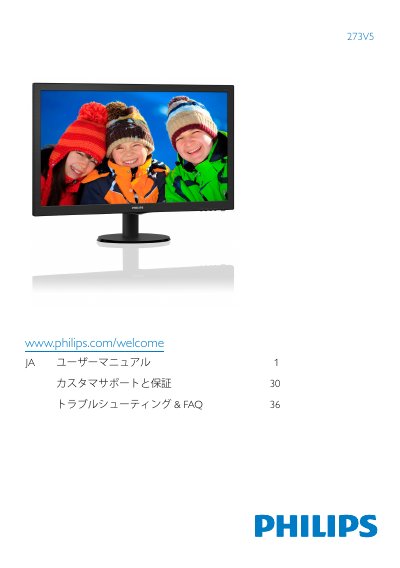
This user manual is for the Philips 273V5 monitor. It covers important safety and maintenance notices, setting up the monitor, connecting it to a PC, operating the on-screen display (OSD), image optimization, technical specifications, power management, regulatory information, customer care and warranty, and troubleshooting/FAQ.
The document includes model-specific connector layouts and OSD menu contents for several 273V5 variants, such as 273V5QHAB, 273V5LHAB, 273V5LYAB and 273V5LHSB, and lists panel, picture, audio, power, dimensions, weight and environmental specifications. This manual is written in Japanese.
| Panel type | TN-LCD (273V5L); MVA LCD (273V5Q) |
|---|---|
| Panel size | 27 in (68.6 cm) |
| Pixel pitch | 0.311 x 0.311 mm |
| Brightness | 300 cd/m² |
| SmartContrast | 10,000,000:1 |
| Contrast ratio | 1000:1 / 3000:1 (273V5QHAB/273V5QSB/273V5QSW) |
| Response time | 5 ms / 12 ms (273V5QHAB/273V5QSB/273V5QSW); 15 ms (273V5QHABP/273V5QSBP/273V5QSWP) |
| Optimal resolution | 1920 x 1080 @ 60 Hz |
| Refresh rate | 56–76 Hz |
| Horizontal frequency | 30–83 kHz |
| Power supply | AC adapter, 100–240 VAC, 50–60 Hz |
| Dimensions with stand | 646 x 471 x 240 mm |
The monitor is designed for a native resolution of 1920 x 1080 at 60 Hz.
It uses an AC adapter with 100–240 VAC, 50–60 Hz input.
Operating temperature is 0–40°C, and operating humidity is 20–80% RH non-condensing.