
This manual provides installation, image optimization, power management, and troubleshooting instructions for the Philips Brilliance 272B8 monitor.
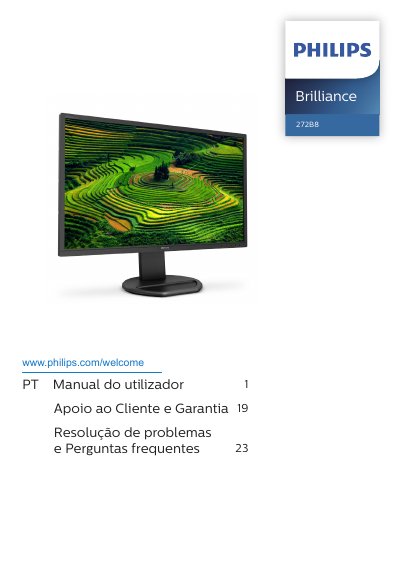
This user manual covers the safe operation, installation, and maintenance of the Philips Brilliance 272B8 monitor. It includes important safety precautions, such as avoiding direct sunlight and ensuring proper ventilation, as well as instructions on how to remove the VESA mount base. The guide also details how to use features like SmartImage and SmartContrast for image optimization. This manual is written in Portuguese.
| Operating Temperature | 0-40°C (32-104°F) |
|---|---|
| Operating Humidity | 20-80% RH |
You should wait 6 seconds before reconnecting the cable to ensure normal operation.
You should disconnect the monitor from the power outlet to prevent potential damage.