
User guide for Philips 272B7Brilliance monitor covering safety, setup, image optimization, power management, webcam, and technical specs.
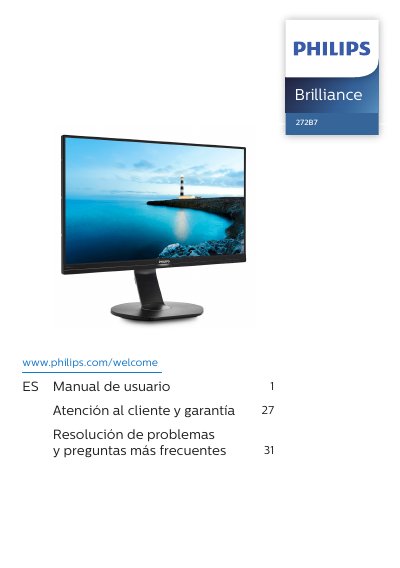
This manual provides step-by-step instructions for installing and using the Philips 272B7Brilliance monitor. It covers safety precautions, setup procedures including VESA mounting, image optimization features like SmartImage and SmartContrast, power management with PowerSensor™, and webcam functionality. Technical specifications and troubleshooting are also included. This manual is written in Chinese.
| Resolution and Default Modes | 2560 x 1440 |
|---|
PowerSensor™ is a feature for managing power consumption and optimizing energy use.
The monitor should be used in an environment with a temperature between 0 and 40 degrees Celsius.
You must wait 6 seconds before reconnecting the cable to use the monitor again.
You must never use organic solvents or liquids containing ammonia to clean the monitor.