
This manual provides safety instructions, installation steps, operation guidance, image optimization settings, and technical specifications for the Philips…
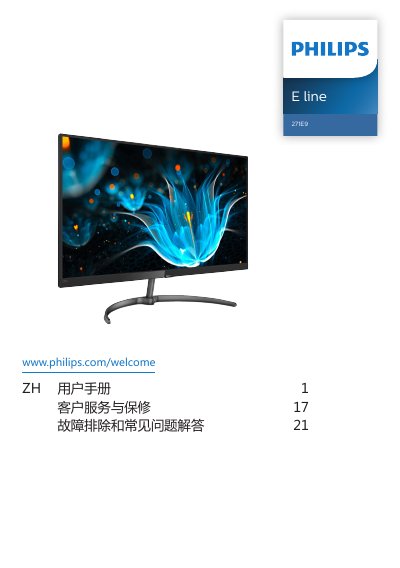
This user manual covers the Philips 271E9 230S8S monitor, including important safety measures, installation instructions, and operation guidance. It details how to set up the display, connect it to a PC, and use the On-Screen Display (OSD) menu for adjustments. This manual is written in Chinese.
| Native Resolution | 1920 x 1080 |
|---|---|
| Refresh Rate | 60Hz |
| Operating Temperature | 0-40°C |
| Operating Humidity | 20-80% RH |
| VESA Mounting | 100mm x 100mm |
The recommended resolution is 1920 x 1080 at 60Hz.
Press the power button to turn on, and press it for 3 seconds or more to turn off.
The available modes include FPS, Racing, RTS, Game 1, Game 2, LowBlue Mode, and Off.