
Spanish user manual for the Philips 241B8 B Line monitor, covering safety, setup, image settings, power features, specifications and troubleshooting.
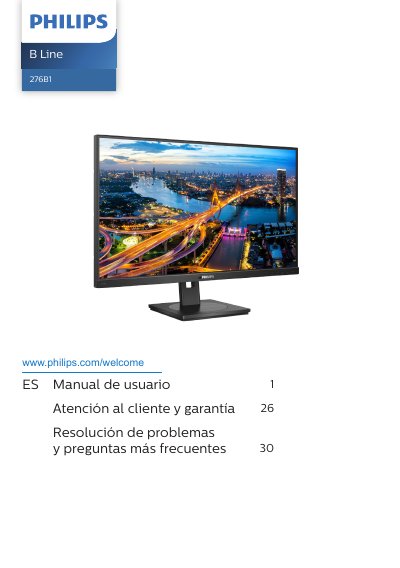
Spanish-language user manual for the Philips 241B8 B Line monitor. The document opens with safety and maintenance instructions, including operating temperature and humidity limits, cleaning guidance, and precautions for the USB Type-C port and LCD panel.
It then describes monitor setup, image optimization with SmartImage and SmartContrast, the light sensor, Power Delivery and Smart Power, PowerSensor, daisy-chain connection, and designs to reduce computer vision syndrome. Later sections cover technical specifications, preset modes, power management, Philips' pixel defect policy, customer care and warranty, troubleshooting, and FAQs. This manual is written in Spanish.
| Operating temperature | 0-40 °C (32-104 °F) |
|---|---|
| Operating humidity | 20-80% RH |
| USB Type-C connected equipment | Must have a fire enclosure compliant with IEC 62368-1 or IEC 60950-1 |
The monitor can be used at temperatures from 0 to 40 °C (32 to 104 °F).
The operating humidity range is 20 to 80% RH.
Only specified equipment with a fire enclosure compliant with IEC 62368-1 or IEC 60950-1 should be connected.
Use a slightly damp cloth to clean the monitor.