
User manual for the Philips 221E LCD monitor covering safety, FAQs, on-screen settings, troubleshooting, operating conditions, and regulatory information.
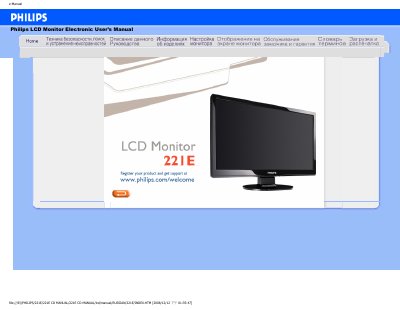
The Philips 221E LCD Monitor Electronic User’s Manual covers safety and maintenance instructions, frequently asked questions, on-screen adjustment functions, compatibility with other peripheral devices, LCD panel manufacturing technology, ergonomics/ecology/safety standards, troubleshooting, regulatory documents, and other necessary information.
It also gives a recommended video mode of 1920 x 1080 at 60 Hz, operating conditions of 0–40 °C and 20–80% relative humidity, cleaning guidance, and information about mounting the monitor on VESA stands or accessories. This manual is written in Russian.
| Recommended video mode | 1920 x 1080 at 60 Hz |
|---|---|
| Operating temperature | 0–40 °C (32–104 °F) |
The manual recommends 1920 x 1080 at 60 Hz and lists steps to set this mode, restart the computer, reconnect the Philips monitor, and turn on the monitor and PC.
The recommended video mode is 1920 x 1080 at 60 Hz.
For best performance, use the monitor indoors at 0-40°C (32-104°F).