
Philips 220VW8 LCD monitor user manual with safety and maintenance advice, placement guidelines, FAQs, troubleshooting and regulatory information.
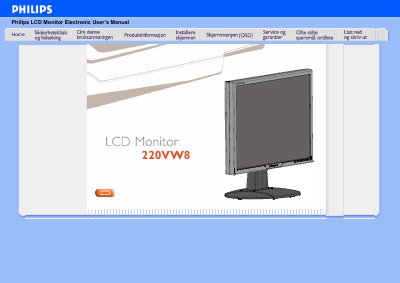
This is the Philips electronic user's manual for the 220VW8 LCD monitor. It opens with safety precautions and maintenance advice, including how to handle the LCD panel, cleaning instructions, ventilation and the risk of after-images when a static picture is left on screen. A separate section covers placement of the equipment, with temperature and humidity limits and warnings against impact, vibration, dust and moisture.
The manual then answers frequently asked questions about setup, screen settings, compatibility with PCs, Macs and workstations, USB and LCD panel technology. It explains the recommended video mode for a Philips 22" screen, the FPadjust program on the CD-ROM, how to change color settings through the OSD, and how to reset the monitor to its factory settings. Regulatory, ergonomic and ecological information and troubleshooting guidance are also listed in the contents.
| Recommended video mode (22") | 1680x1050 @ 60 Hz |
|---|---|
| Operating temperature | 0-35°C (32-95°F) |
| Operating humidity | 20-80 % RH |
| Wall mounting | Four standard VESA mounting holes on the rear cover |
The manual recommends 1680x1050 at 60 Hz for the 22" screen.
Yes, four standard VESA mounting holes on the rear cover allow it to be attached to most standard VESA arms or other accessories.
Use a clean, soft cloth for normal cleaning and isopropyl alcohol for more thorough cleaning; do not use other agents such as ethyl alcohol, ethanol, acetone or hexane.
Press the OK button and then select 'Reset' to bring back the factory settings.