
This manual provides operating instructions, safety guidelines, and troubleshooting tips for the Philips 200WS8 LCD monitor.
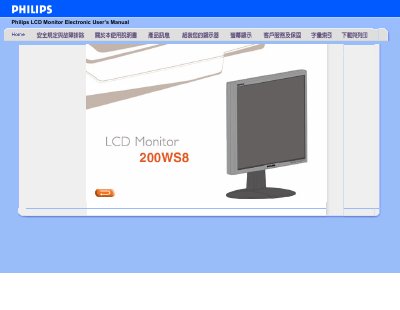
The document serves as a user guide for the Philips 200WS8 LCD monitor. It covers essential topics including installation requirements, display settings, USB connectivity features, and compatibility with various computer systems.
Key operational details include recommended video modes of 1680x1050@60Hz, instructions on adjusting color temperature via OSD menus (ranging from 9300K to SRGB), and specific troubleshooting steps for issues like 'Cannot display this video mode' or power LED failures. The manual also explains the benefits of LCD technology over CRT regarding radiation and refresh rates. This manual is written in Chinese.
No, because it does not use an electron gun, it does not produce equivalent amounts of radiation on the screen surface.
The monitor should be set to a resolution of 1680x1050 at a refresh rate of 60Hz.
The unit operates within a temperature range of 0-35 degrees Celsius and a relative humidity of 20-80%.
Up to 127 devices can be used at the same time on a single computer.