
Philips 19B1 LCD Monitor User Manual provides safety, maintenance, troubleshooting, and technical information for the 19-inch LCD monitor.
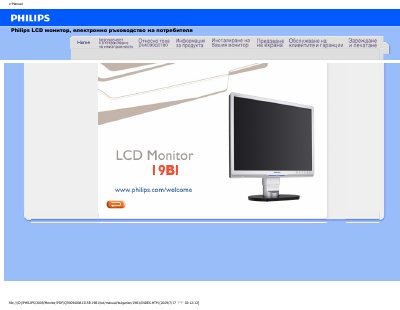
This is the Philips 19B1 LCD Monitor User Manual. It contains safety precautions, maintenance instructions, frequently asked questions, and troubleshooting steps for the monitor.
The manual also covers compatibility with computers and Mac systems, LCD panel technology, color settings, VESA wall mounting, and ergonomic, ecological, and safety standards.
| Screen resolution | 1280x1024 @60Hz |
|---|---|
| Refresh rate | 60Hz |
| Operating temperature | 0-40°C / 32-95°F |
| Color temperature settings | 5000K, 6500K, 7500K, 8200K, 9300K, 11500K |
Set the resolution to 1280x1024 at 60Hz for the Philips 19-inch monitor.
The recommended refresh rate is 60Hz, or 75Hz if there is screen interference.
Yes, all Philips LCD monitors are fully compatible with standard computers, Macs, and workstations.
Yes, the monitor has standard VESA mount openings on the back.