
User manual for PenPower's digital memo pad 2115068, covering setup, USB connection, online/offline modes, and safety instructions.
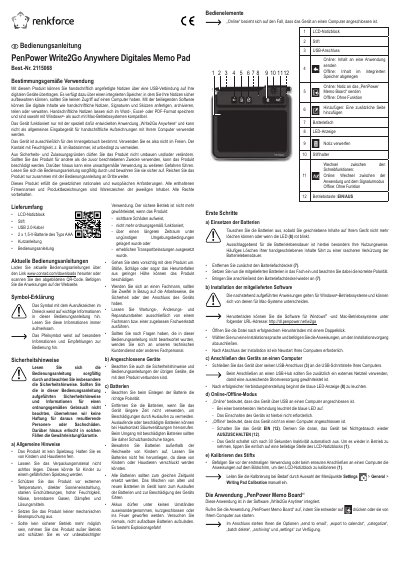
This manual guides users through setting up the PenPower Write2Go Anywhere Digital Memo Pad 2115068, including battery installation, software setup, USB connection, and mode switching. It explains how to use the device for handwritten note transfer via USB and how to manage notes using the included software. Safety precautions are emphasized, including avoiding moisture, extreme temperatures, and improper battery handling.
The device is designed for indoor use only and requires the 'Write2Go Anywhere' application to function. It cannot be used as a general handwriting input device. The manual includes diagrams of controls and step-by-step instructions for calibration and operation. This manual is written in German.
Connect the device via its USB port to your computer's USB port. Use an external power adapter if connected to a USB hub.
No, the device is designed for indoor use only. Avoid moisture, extreme temperatures, and direct sunlight.